








How to Choose a GPS Bike Computer for Cycling in Oman

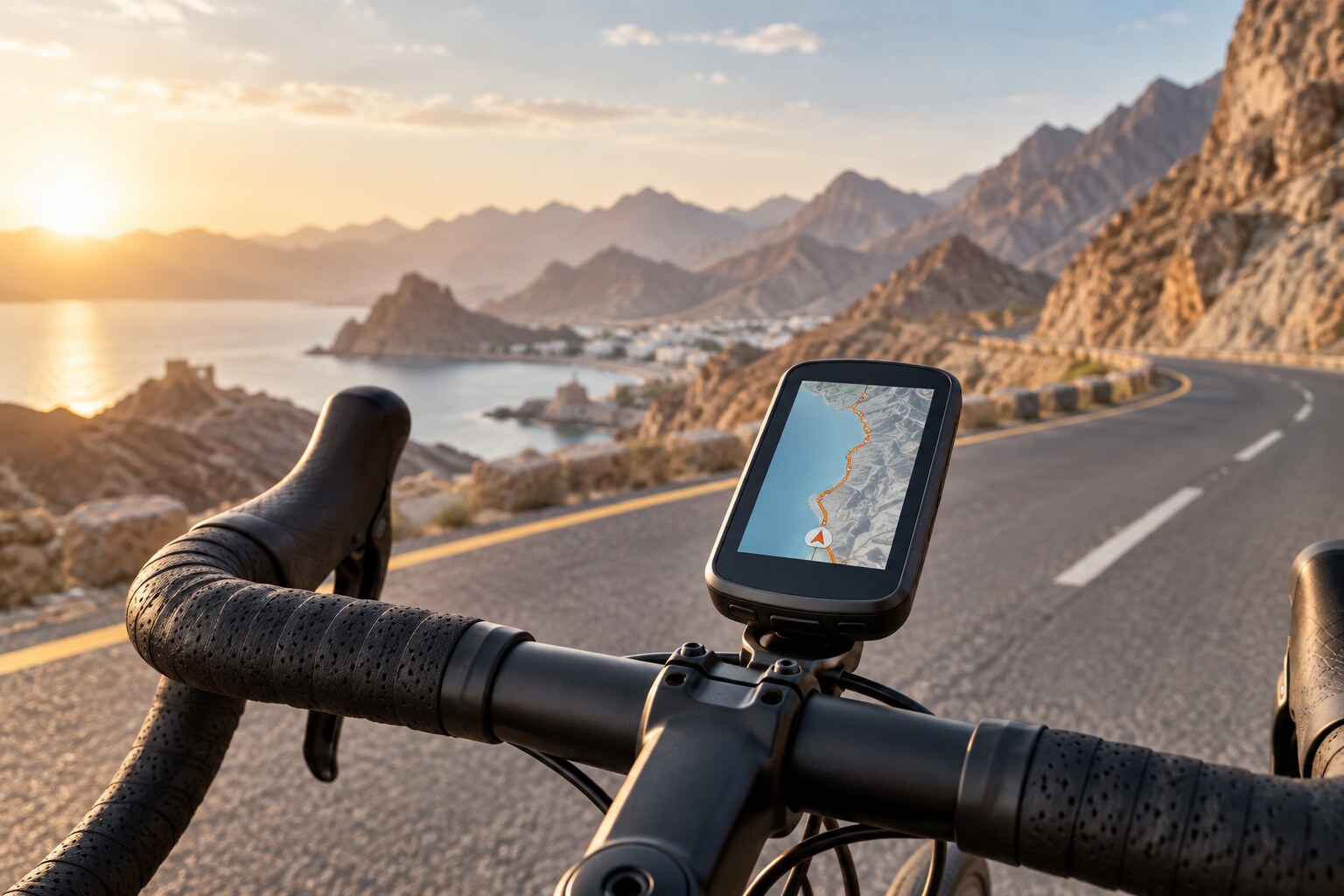
A GPS bike computer can do much more than display speed and distance. Depending on the model, it can provide route navigation, structured workouts, climbing information and data from heart-rate, cadence, speed and power sensors.
The most advanced device is not automatically the best choice for every cyclist. A rider following familiar roads around Muscat may have different requirements from someone exploring mountain routes or training for endurance events.
Start With the Type of Riding You Do
Recreational and Fitness Riding
For regular fitness rides on familiar roads, a compact computer showing speed, distance, time and heart rate may be sufficient. Simple controls and good battery life can be more useful than an extensive navigation system.
Route Exploration and Long-Distance Cycling
- Clear maps
- Turn-by-turn directions
- Off-course alerts
- Fast route recalculation
- Sufficient battery life
- A screen readable outdoors
Structured Training
Cyclists following a training plan should check support for compatible heart-rate monitors, cadence sensors and power meters. Advanced computers may display training load, workout targets and performance information.
Mountain Biking
For trails and off-road riding, consider durability, button operation, water resistance and appropriate mapping.
Navigation: Follow a Line or Use Detailed Maps?
Basic models may display a breadcrumb trail or directional prompts. These can work well on a prepared course but provide limited information about surrounding roads.
Mapping-oriented computers generally offer full-colour maps, street and trail information, turn-by-turn guidance, saved locations, route recalculation, elevation profiles and climb information.
For riders exploring Muscat’s surrounding roads or unfamiliar areas of Oman, detailed offline mapping can be particularly valuable.
Screen Size and Controls
A large display makes maps and multiple data fields easier to read, but increases device size and may affect battery consumption.
- Visibility in strong sunlight
- Font and data-field size
- Touchscreen responsiveness
- Physical button availability
- Map clarity
- Brightness control
Touchscreens are convenient for moving around a map. Physical buttons can be easier with gloves, sweaty hands or on uneven surfaces.
Battery Life in Oman
Manufacturer battery figures are measured under specific conditions. Actual endurance changes with screen brightness, navigation, satellite mode, connected sensors, temperature, phone connectivity and battery age.
Bright displays may require higher settings under Oman’s strong daylight. For longer rides, compare the demanding-use estimate—not only a maximum figure achieved in battery-saver mode.
Satellite Accuracy
Modern cycling computers may support GPS, GLONASS, Galileo and BeiDou. Multi-band GNSS can improve positioning in mountain valleys, areas with tall buildings and narrow routes beside rock faces, but may use more power.
Connecting Cycling Sensors
Check the connectivity standards supported by both the computer and the sensors you plan to use.
- Heart-rate monitors
- Speed sensors
- Cadence sensors
- Power meters
- Smart trainers
- Radar tail lights
- Electronic shifting systems
ANT+ and Bluetooth are common, but compatibility varies by model. Confirm support for the exact sensor rather than assuming every Bluetooth device will connect.
Safety and Connectivity Features
Depending on the model and paired equipment, a computer may support live location sharing, incident detection, approaching-vehicle alerts, road-hazard notifications, group-ride features and smart notifications.
Some features require a connected phone, mobile coverage or compatible radar. They should be treated as useful assistance—not a replacement for awareness and safe riding.
Heat, Mounting and Care
A secure mount is essential, particularly on rough roads or trails. Confirm that the selected device includes the mount you need or that a compatible option is available.
- Avoid leaving the computer inside a parked vehicle.
- Follow operating and charging temperature limits.
- Keep the charging port clean and dry.
- Check the mount before longer rides.
- Use a tether where appropriate.
- Allow a hot device to cool before charging.
Which Type Should You Choose?
Choose a Compact Data Computer If:
You ride familiar routes and prioritise speed, distance and sensor data.
Choose a Navigation-Focused Computer If:
You frequently follow downloaded routes and want detailed maps and rerouting.
Choose an Advanced Training Computer If:
You train with power or heart-rate targets and want structured workouts.
Final Checklist
- Navigation type
- Screen visibility
- Claimed battery life
- Satellite modes
- Sensor compatibility
- Mounting system
- Water rating
- Phone and app requirements
- Local warranty and support
Frequently Asked Questions
Do I need maps on my bike computer?
Not necessarily. Basic guidance may be sufficient for familiar routes. Detailed maps become more valuable on unfamiliar roads and trails.
Can a GPS bike computer work without a phone?
Core ride recording generally can, but notifications, live tracking, weather information or some safety functions may require a paired phone.
Is a touchscreen better than buttons?
Touchscreens make map interaction easier, while buttons may be more dependable with gloves, sweat or rough terrain.
Can I connect a heart-rate monitor and cadence sensor?
Many computers support ANT+ or Bluetooth sensors, but confirm compatibility for the exact models.
Where can I compare bike computers in Muscat?
Browse GPS bike computers at Atlas Tech Sport and compatible cycling sensors and accessories for customers across Oman.